
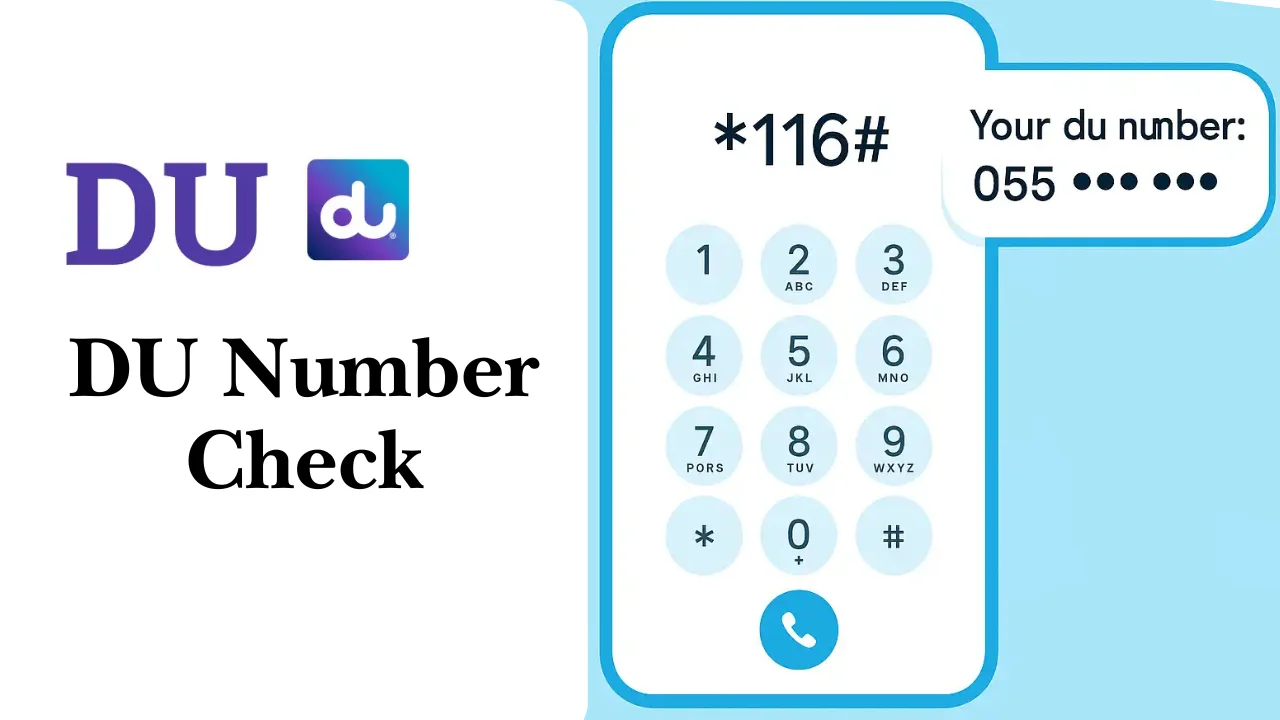
Knowing your mobile number is essential in the UAE, whether for recharging your balance, sending money via mobile apps, or registering on online platforms. This guide will show you all the ways to find your number quickly using the DU number check code and other simple methods.
- Why Knowing Your DU Number Check Code Matters
- Quick Methods to Use the DU Number Check Code
- 1. Using a USSD Code (*116#)
- 2. Using the Mobile App or Website
- 3. Sending an SMS to Retrieve Your Number
- 4. Checking Your SIM Card Packaging
- 5. Activation Message or Receipt
- 6. Checking Your Phone Settings
- 7. Contacting Customer Support
- 8. Giving a Missed Call or Sending a Message to Another Number
- Related Balance Check In United Arab Emirates
- Checking Your DU Number Without Balance
- How to Verify DU Number Ownership
- Common Issues and Tips with DU Number Check Code
- How to Recharge Your SIM
- Key Takeaways and Best Practices
- Conclusion
- FAQs
Why Knowing Your DU Number Check Code Matters
Being aware of your DU number check code is important for several reasons:
- Top-ups and transfers: You need your number to recharge your balance or transfer credit to another person.
- Registration purposes: Many online services and apps require you to enter a mobile number for verification.
- Emergency situations: If your phone is lost or you need assistance, knowing your number helps in identification.
Common situations where you might need to check your number include buying a new SIM, managing multiple numbers, or registering on government portals like UAE TRA.
Quick Methods to Use the DU Number Check Code
Here are the easiest ways to find your mobile number in the UAE:
1. Using a USSD Code (*116#)
USSD codes are the fastest way to check your mobile number.
Steps:
- Open the dialer on your phone.
- Type *116#.
- Press the call button.
- Your number will appear on the screen instantly.
Benefits:
- Works even without internet.
- Quick and simple, takes less than a minute.
- No need for extra apps or messages.
2. Using the Mobile App or Website
Most carriers offer official apps and online portals to manage your account, including checking your number.
Steps:
- Download the mobile app or visit the official website.
- Log in using your SIM details or credentials.
- Your mobile number will be displayed on the dashboard or profile section.
Advantages:
- Allows you to manage your account alongside checking your number.
- Helpful if you want to monitor usage, recharge, or view bills.
3. Sending an SMS to Retrieve Your Number
If you prefer SMS, you can send a message to get your number.
Steps:
- Open the messaging app.
- Type the code or message required (usually “NUMBER” or “getmymsisdn”).
- Send it to the dedicated service number (e.g., 1355).
- You will receive a reply with your mobile number.
Situations where SMS is convenient:
- When there is no internet access.
- If you are unable to access the app.
4. Checking Your SIM Card Packaging
Your number is often printed on the original SIM card package.
How to find it:
- Look at the back of the SIM card holder.
- The number may be printed directly or on a sticker with other SIM details.
Tips:
- Keep the SIM card packaging safe for future reference.
- Sometimes the number is partially hidden, so check carefully.
5. Activation Message or Receipt
Your number is often included in the initial activation SMS or receipt you received when you first bought the SIM.
How to find it:
- Search for “activation” or “welcome” messages in your inbox.
- Check your purchase receipt if you still have it.
6. Checking Your Phone Settings
You can also find your number directly from your device.
For iPhone users:
- Go to Settings.
- Tap on “Phone.”
- Your number will be listed at the top under “My Number.”
For Android users:
- Go to Settings.
- Tap “About Phone” or “About Device.”
- Select “Status” or “SIM Status.”
- Your number should be displayed under “My Phone Number.”
7. Contacting Customer Support
You can call official support channels to ask for your mobile number.
Steps:
- Dial the customer support number from any phone.
- Provide verification information, such as ID or SIM details.
- They will confirm your registered mobile number.
Note: Always keep your personal information ready to speed up the process.
8. Giving a Missed Call or Sending a Message to Another Number
A simple way to check your number is to call or message a friend:
- Send a text message or make a missed call.
- Ask the recipient to tell you the number that appeared.
When this method is useful:
- When other methods fail.
- Quick and requires no technical knowledge.
Related Balance Check In United Arab Emirates
- Ratibi Balance Check: Quickly verify your salary card credits to ensure your monthly payments are received on time.
- Lulu Balance Check: Monitor prepaid or loyalty card balances for smooth shopping and transactions.
- FAB Balance Check: It allows you to easily track your account balance, manage transactions, and stay updated on your financial activities efficiently.
Checking Your DU Number Without Balance
Even if your SIM has no credit, some methods still work:
- Using the USSD code *116#.
- Checking your phone settings.
- Using the SIM packaging or activation messages.
These options ensure you can always access your number regardless of balance.
How to Verify DU Number Ownership
If you need to confirm who owns a number:
- Use official government portals like UAE TRA My Service Provider.
- Customer service can also verify ownership with proper ID.
This is important for security, legal purposes, or when buying second-hand SIM cards.
Common Issues and Tips with DU Number Check Code
While checking your number, you may face some problems:
- Number not showing: Ensure the SIM is active and properly inserted.
- App login fails: Check your credentials and network connection.
- SMS not received: Try resending or check signal strength.
Best practices:
- Always keep a backup of your number and SIM details.
- Save activation SMS and receipts for future reference.
- Keep your phone updated to avoid software issues.
How to Recharge Your SIM
Once you have your number, recharging is simple:
Quick recharge via app or online portal:
- Open the mobile app or website.
- Enter your number and select the top-up amount.
- Pay using cards or online wallets.
Recharge using kiosks or retail points:
- Visit any authorized retail outlet.
- Provide your mobile number and amount.
- Pay in cash or card as available.
Safety tips:
- Only use official portals and authorized retail points.
- Avoid sharing your number or OTP with others.
Example Table: DU Number Check Code Methods
| Method | Steps | Pros | Cons |
| USSD Code | Dial *116# | Instant, no internet needed | Requires active SIM |
| Mobile App | Log in and check dashboard | Also manages account | Needs internet |
| SMS | Send “NUMBER” to 1355 | Works offline | May take time to receive SMS |
| SIM Packaging | Check printed number | Easy, one-time | Number may be partially hidden |
| Activation Message | Search inbox | No extra tools needed | Only available if saved |
| Phone Settings | iPhone/Android settings | Directly on device | May not show for inactive SIM |
| Customer Support | Call support with ID | Verified info | Takes time |
| Missed Call / Message | Ask friend | Quick | Requires another person |
Key Takeaways and Best Practices
- The DU number check code (*116#) is the fastest way to find your number.
- Multiple methods exist, including apps, SMS, phone settings, and customer support.
- Keep SIM packaging, activation messages, and receipts for reference.
- Ensure your number and account details are secure to avoid misuse.
- Use official portals like UAE TRA for verification when needed.
By following these steps, every resident in the UAE can quickly and safely find their mobile number using the DU number check code or other reliable methods.
Conclusion
Finding your mobile number in the UAE is now easier than ever with the DU number check code and other simple methods. Whether you prefer using a USSD code, the mobile app, SMS, or checking your phone settings, you can access your number quickly and securely.
Always keep your SIM details, activation messages, and receipts safe, and use official channels for verification or support. By following these steps, you can manage your mobile number effectively, recharge your SIM without hassle, and stay connected at all times.
FAQs
How can I check my DU SIM number?
You can check your du SIM number by dialing *101# from your phone, looking in your phone’s settings under “About phone,” or by checking the Contacts app for your own contact card.
What is the number code of DU in UAE?
Mobile numbers begin with: 050 cell phones (Etisalat) 052 cell phones (Du) 053 cell phones (Virgin Mobile)
What should I do if my DU number is not showing?
Ensure your SIM is active and properly inserted. If it still doesn’t appear, try another method like checking the app, SMS, or contacting customer support.
How can I verify the owner of a DU number in the UAE?
You can verify the number ownership through official UAE portals like TRA My Service Provider or by contacting customer support with valid identification.
Is it safe to share my DU number check code with others?
No, never share your USSD code or account credentials with others. Always use official channels to manage or verify your number to prevent misuse.
Can I use a missed call or message to check my number?
Yes, by giving a missed call or sending a message to a friend, they can tell you which number appears, making it a quick and easy method.