
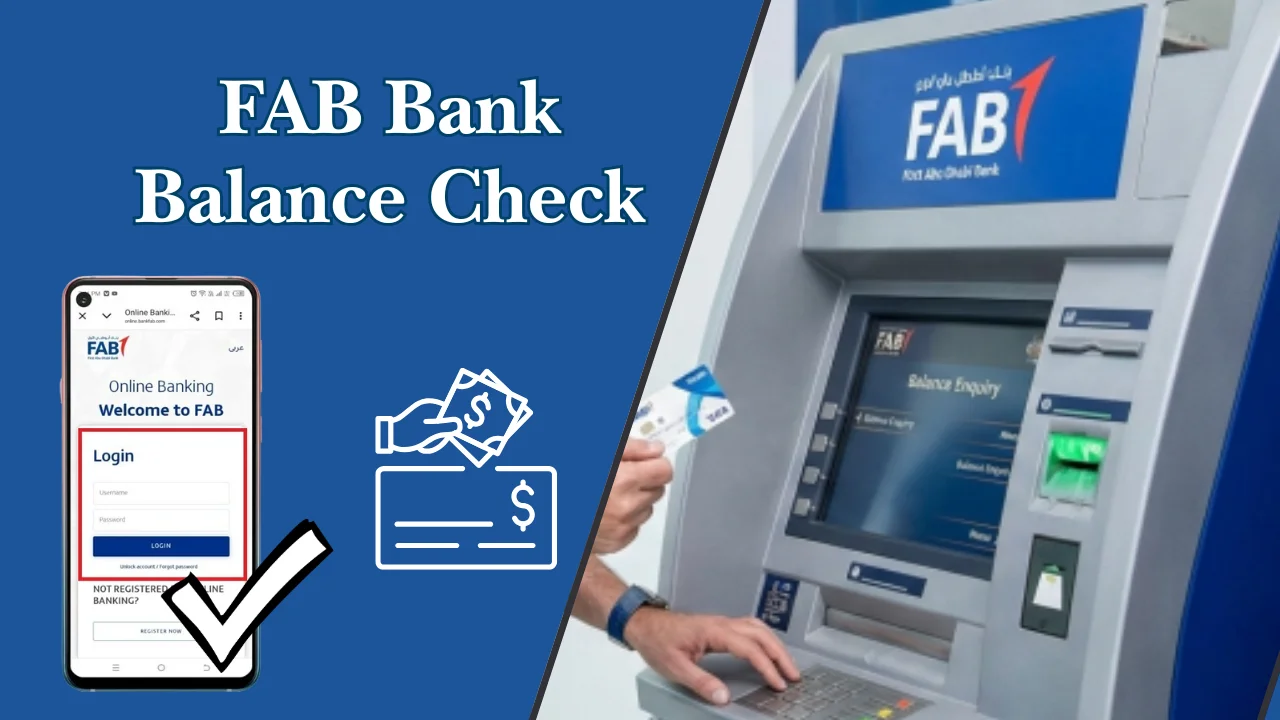
Managing your money starts with knowing how much you have. In the UAE, many residents rely on a regular FAB Bank balance check to manage salaries, business income, bills, and daily expenses. Whether you are an employee, a small business owner, or someone using prepaid or salary cards, checking your balance on time helps you stay in control and avoid surprises.
- What Is FAB Bank Balance Check?
- Why FAB Balance Check Is Important for UAE Account Holders
- Overview of FAB Balance Check Methods in the UAE
- Different Ways to Perform FAB Bank Balance Check
- FAB Bank Balance Check Online via Official Website
- FAB Balance Check Using Mobile Banking App
- FAB Balance Check at an ATM
- FAB Balance Enquiry via SMS Banking
- FAB Balance Check Through Customer Care (Phone Banking)
- FAB Balance Check by Visiting a Branch
- FAB Balance Check Using Digital Wallet Apps
- FAB Balance Check for International Users
- UAE Balance Check
- FAB Salary Account Balance Check
- FAB Prepaid and Card Balance Enquiry
- FAB Prepaid Card Balance Check Methods
- FAB Ratibi Card Balance Check Options
- FAB Credit Card Balance Check
- How to Register for FAB Online Banking
- How to Activate and Use FAB Mobile Banking
- How to Reset FAB Online Banking Password
- Benefits of Regular FAB Balance Check
- Common FAB Balance Check Errors and Solutions
- Tips for a Smooth FAB Bank Balance Check Experience
- Conclusion
- FAQs
This complete UAE-focused guide by Dubai Archives explains FAB Balance Check, FAB Balance enquiry, and FAB Bank balance check online methods in clear and simple language. All steps are explained in a way that is easy to follow for everyday users in Dubai and across the UAE.
What Is FAB Bank Balance Check?
A FAB Bank balance check is the process of checking how much money is available in your bank account, salary account, prepaid card, or credit card. It shows your current balance after deposits, withdrawals, card payments, and fees.
In the UAE, people use balance checks to confirm salary payments, track spending, and make sure enough funds are available before making payments or transfers. A FAB Balance enquiry can be done through online banking, mobile apps, ATMs, SMS, phone banking, or by visiting a branch.
Why FAB Balance Check Is Important for UAE Account Holders
Regular FAB Balance Check is important for many reasons, especially in a fast-paced country like the UAE where digital payments are common.
Key reasons include:
- To confirm monthly salary deposits on time
- To avoid declined card payments due to low balance
- To manage household or business expenses
- To track spending and plan savings
- To detect unauthorised transactions early
For UAE residents, balance checks are also helpful when dealing with rent payments, utility bills, school fees, and online shopping.
Overview of FAB Balance Check Methods in the UAE
There are several easy ways to perform a FAB Bank balance enquiry in the UAE. Users can choose the method that best fits their routine and access level.
Common methods include:
- FAB Bank balance check online through the official website
- Mobile banking app balance enquiry
- ATM balance check
- SMS banking
- Phone banking via customer care
- Visiting a bank branch
- Using supported digital wallet apps
Each option is designed to serve different user needs, from quick checks to detailed account reviews.
Different Ways to Perform FAB Bank Balance Check
Below are all the available methods explained step by step, so you can choose the one that suits you best.
FAB Bank Balance Check Online via Official Website
FAB Bank balance check online is one of the most popular options in the UAE. It allows users to check balances anytime using a computer or mobile browser.
This method is useful for people who prefer full account access with transaction history and downloadable statements.
Steps for FAB Bank Balance Check Online
Follow these steps to check your balance online:
- Visit the official bank website
- Click on Online Banking login
- Enter your user ID and password
- Complete the security verification
- View your account dashboard to see your balance
Your balance and recent transactions will be visible on the main screen.
Requirements for Online FAB Balance Enquiry
Before using online banking, you need:
- An active bank account
- Registered mobile number
- Online banking user ID and password
- Stable internet connection
If you are not registered, you must complete the online banking registration process first.
FAB Balance Check Using Mobile Banking App
The mobile banking app offers a fast and easy FAB Balance enquiry method for UAE residents who prefer smartphones.
It is widely used by employees, freelancers, and business owners.
Steps to Perform FAB Balance Enquiry via Mobile App
To check your balance using the app:
- Open the mobile banking app
- Log in using your credentials or biometric login
- Select the account or card
- View your available balance instantly
This method is ideal for quick checks while travelling or shopping.
Key Features Available in the FAB Mobile App
The app offers several helpful features:
- Real-time balance updates
- Transaction history
- Fund transfers
- Card management
- Bill payments and mobile top-ups
These features make daily banking easier for UAE users.
Security Tips for FAB Mobile Banking Users
To stay safe while using mobile banking:
- Do not share your login details
- Enable biometric login if available
- Avoid public Wi-Fi for banking
- Log out after each session
- Keep your app updated
These steps help protect your account from unauthorised access.
FAB Balance Check at an ATM
ATM balance enquiry is still widely used across the UAE, especially by users who prefer physical access points.
Steps for ATM FAB Bank Balance Check
To check your balance at an ATM:
- Insert your ATM card
- Enter your PIN
- Select Balance Enquiry
- Choose the account type
- View your balance on the screen
You may also print a receipt if needed.
When ATM Balance Enquiry Is Most Useful
ATM balance checks are useful when:
- You do not have internet access
- You are withdrawing cash
- You want a printed balance slip
ATMs are available in malls, metro stations, and business areas across the UAE.
FAB Balance Enquiry via SMS Banking
SMS banking is a simple option for users without smartphones or internet access.
Steps to Check FAB Balance via SMS
General SMS steps include:
- Open your phone messaging app
- Type the required balance enquiry format
- Send it to the designated banking number
- Receive your balance via SMS reply
The exact format may depend on your registration status.
Supported Mobile Networks in the UAE
SMS banking usually works on major UAE networks, including:
- Etisalat
- du
Ensure your mobile number is registered with your bank account.
FAB Balance Check Through Customer Care (Phone Banking)
Phone banking allows users to perform FAB Balance enquiry by speaking to a support agent or using an automated system.
Steps to Perform FAB Balance Enquiry by Calling Support
To check your balance via phone:
- Call the official customer care number
- Select the balance enquiry option
- Verify your identity using required details
- Listen to your balance information
This method is helpful for users who prefer voice assistance.
FAB Balance Check by Visiting a Branch
Visiting a branch is a traditional but reliable method for balance checks.
At the branch, you can:
- Request balance details from staff
- Print account statements
- Get help with account-related issues
Carry a valid Emirates ID for verification.
FAB Balance Check Using Digital Wallet Apps
Some UAE digital wallet apps support bank card linking. Once linked, users can view balances directly from the wallet app.
This method is useful for:
- Quick checks
- Managing multiple cards
- Tracking spending in one place
Availability depends on wallet compatibility.
FAB Balance Check for International Users
International users can perform FAB Bank balance check online or via mobile banking while abroad.
Important tips:
- Enable international access before travelling
- Use secure internet connections
- Monitor transactions regularly
This is helpful for UAE residents travelling for work or holidays.
UAE Balance Check
- Ratibi Balance Check: Make sure your monthly payments are received on schedule by promptly confirming your salary card credits.
- Lulu Balance Check: To guarantee seamless purchasing and prevent payment problems, simply keep an eye on your Lulu prepaid, gift, or loyalty card balance online, via the Lulu mobile app, in-store kiosks, or customer service.
- DU Number Balance Check: To effectively handle calls, data, and recharges, keep tabs on your prepaid cell credit.
- Nol Card Balance check: In 2026, residents and visitors have multiple easy ways to check their Nol card balance, recharge it, and review usage history
FAB Salary Account Balance Check
Salary accounts are widely used in the UAE, especially by employees working in private companies and government organisations.
How to Check FAB Salary Account Balance
Salary account balance can be checked using:
- Online banking
- Mobile app
- ATM
- SMS banking
Most users prefer mobile apps for instant salary confirmation.
Common FAB Salary Balance Check Issues and Fixes
Common issues include:
| Issue | Solution |
| Salary not showing | Wait for processing time or contact employer |
| Login error | Reset password |
| SMS not received | Check mobile registration |
| ATM error | Try another ATM or visit branch |
If issues continue, contact customer support.
FAB Prepaid and Card Balance Enquiry
Ppc cards are commonly used in the UAE for controlled spending and salary disbursement.
FAB Prepaid Card Balance Check Methods
You can check prepaid card balance using:
- Mobile app
- ATM
- Online banking
- Customer care
These cards are popular among employees and students.
FAB Ratibi Card Balance Check Options
Ratibi card holders can check balance via:
- ATM enquiry
- Mobile app
- SMS banking
This card is often used for salary payments in the UAE.
FAB Credit Card Balance Check
Credit card users can check:
- Available credit limit
- Outstanding balance
- Due amount
Methods include online banking, mobile app, and customer care.
How to Register for FAB Online Banking
Online banking registration is required for FAB Bank balance check online.
Step-by-Step FAB Online Banking Registration Process
General registration steps include:
- Visit the official website
- Click Register for Online Banking
- Enter account and ID details
- Verify using OTP
- Create login credentials
Once registered, you can access all online services.
How to Activate and Use FAB Mobile Banking
Mobile banking activation is simple and quick.
Downloading and Setting Up the FAB Mobile App
Steps include:
- Download the app from your app store
- Open the app and select Register
- Enter your details
- Verify your identity
- Set a PIN or biometric login
After setup, you can perform balance checks anytime.
How to Reset FAB Online Banking Password
Password resets help regain access if you forget your login details.
Online Password Reset Steps
To reset online:
- Go to the login page
- Click Forgot Password
- Enter required details
- Verify using OTP
- Set a new password
Password Reset via Phone Support
You can also reset your password by calling customer support and verifying your identity.
Benefits of Regular FAB Balance Check
Regular balance checks help UAE residents manage money better.
Financial Control and Budgeting
Benefits include:
- Better expense planning
- Timely bill payments
- Improved savings habits
Fraud Prevention and Account Security
Frequent checks help:
- Spot unauthorised transactions
- Report issues early
- Keep accounts secure
For general banking safety guidance, you may also refer to the UAE Central Bank consumer protection resources at
https://www.centralbank.ae
Common FAB Balance Check Errors and Solutions
Common errors include:
- Login failures
- App not loading
- Incorrect balance display
Solutions:
- Update the app
- Clear browser cache
- Check internet connection
- Contact customer support if needed
Tips for a Smooth FAB Bank Balance Check Experience
Helpful tips for UAE users:
- Use secure devices
- Keep contact details updated
- Enable notifications
- Check balance before major payments
- Avoid sharing banking details
These simple habits make banking safer and easier.
Conclusion
A regular FAB Bank balance check is essential for managing money in the UAE. With multiple options like online banking, mobile apps, ATMs, SMS, and customer care, users can choose what works best for them. Whether you are checking a salary account, prepaid card, or credit card, staying informed helps you avoid issues and plan better.
By following this guide, UAE residents can perform FAB Balance Check, FAB Balance enquiry, and FAB Bank balance check online confidently and safely.
FAQs
Q1: Can I check my FAB balance without internet?
Yes, you can use ATM or SMS banking.
Q2: Is FAB Bank balance check online safe?
Yes, if you use secure devices and official platforms.
Q3: How often should I check my balance?
It is recommended to check at least once a week or before major payments.
Q4: Can international users check balance?
Yes, online and mobile banking work internationally.
Q5: What should I do if my balance looks incorrect?
Contact customer support immediately for assistance.